Table of Contents
Start with what matters to you — not the marketing
Look, you’re buying a screen to solve a need — whether that’s a crisp living-room picture, a reliable display in a shop, or a playback panel for a guesthouse. Think user first: what content, where, who touches it, how long it should last. When you vendor-hunt, scope local and global options; I usually begin by scanning credible tv manufacturer specs so I know which brands meet the use-case before the niceties. Keep it simple: match purpose to spec, then worry about price and extras.
Define the user story — ask plain questions
Who’s watching, how far they sit, how bright the room, what inputs you need, and whether you want a simple remote or full network management. If it’s for signage, uptime and remote firmware control matter. For living rooms, colour, motion handling and smart apps matter. Jot those answers down. They make the rest of the process quick and stop you from buying flashy features you’ll never use.
Real-world experience: what I trust and why
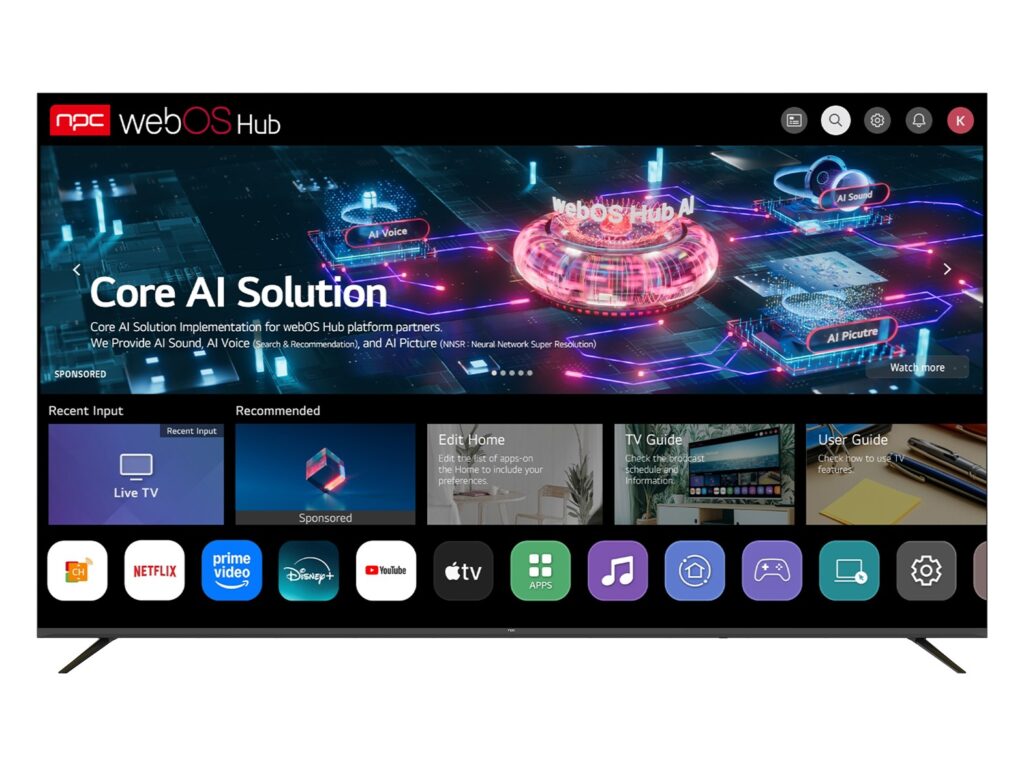
I’ve specified panels for guesthouses and small venues, and I’ve seen platform differences at major shows. At CES in Las Vegas the divergence between smart platforms was obvious — some are snappy, others lag under constant updates — which is why platform choice isn’t optional. When a manufacturer promises long-term support, ask which smart platform they ship: if they list tizen os smart tv, verify the firmware update cadence and third-party app support. Ask for recent release notes and a simple service SLA; those documents reveal much more than glossy marketing copy and show whether the brand truly supports fielded units.

Technical checks I run every time
Panel type and backlight (OLED, QLED, VA/IPS), native resolution and scaling, refresh rate vs. motion processing, available I/O (HDMI 2.1 if you need higher bandwidth), HDR format support, network ports and remote management APIs. Ask for a unit’s measured power draw and ambient temperature spec for installation environments. Demand a demo unit or a measured sample — pictures lie, numbers don’t. If you can’t test a demo, ask for a third-party lab report or a recent firmware changelog.
Common procurement mistakes to avoid
Buying on brand name alone, ignoring long-term firmware support, skipping verification of spare-part availability, accepting vague warranty terms, and forgetting installation and service logistics. Don’t assume online reviews reflect pro use; homeowner reviews focus on different things. Also don’t mix up consumer warranty timelines with commercial-use expectations — get it in writing.
Alternatives and real trade-offs
If you prioritise app ecosystem, platforms like Android TV or webOS can be friendlier to developers; if stability and tight hardware-software integration matter, certain proprietary platforms can be stronger. Cheaper white-box manufacturers will save upfront cost but often cost more in returns and downtime. Decide if you want a platform that’s flexible today or predictable for five years — you rarely get both at the same price.
A user-friendly checklist to carry into negotiations
Confirm required screen size and viewing distance; demand measured panel specs and sample footage; verify the smart platform and update policy; require spare-parts lead times and a named service contact; get warranty terms in writing with uptime remedies; check shipping, customs handling and local support; insist on a demo or lab report; include a clause for firmware rollback or security patches.
Bring it together
Buy for the person who will use the screen tomorrow, not for the brochure. Match the use-case to clear specs, verify platform support with real documents, and avoid vague promises. That practical approach is why I rely on partners who provide clear spec sheets, demo units and straightforward support details — the kind of sourcing clarity I keep finding through npc.