Table of Contents
Putting your needs first
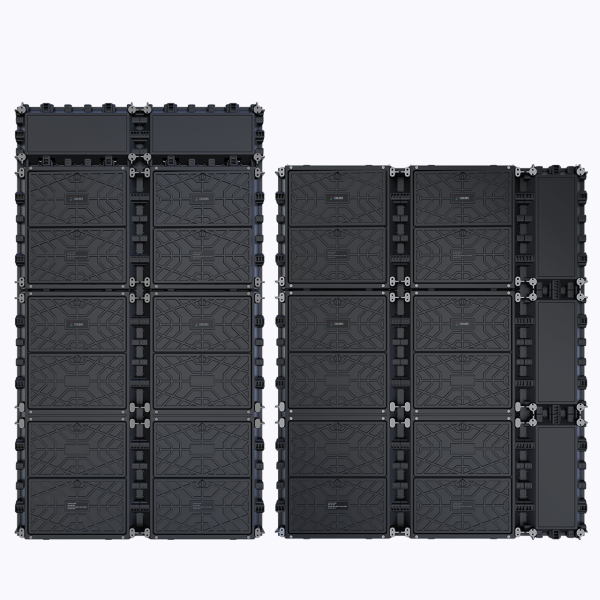
When you pick a screen, what matters most are the people who use it daily: operators, installers, and the audience. That user-centered view drives this guide. If you’re comparing indoor video walls or outdoor digital billboards for corporate lobbies, retail façades, or event spaces, start by inspecting real-world fit rather than shiny specs. Coblinks knows that—so their flexible led display line is designed with straightforward modularity and control in mind, helping teams deploy and adapt content faster without complex customization.
How Coblinks solves common operational pain
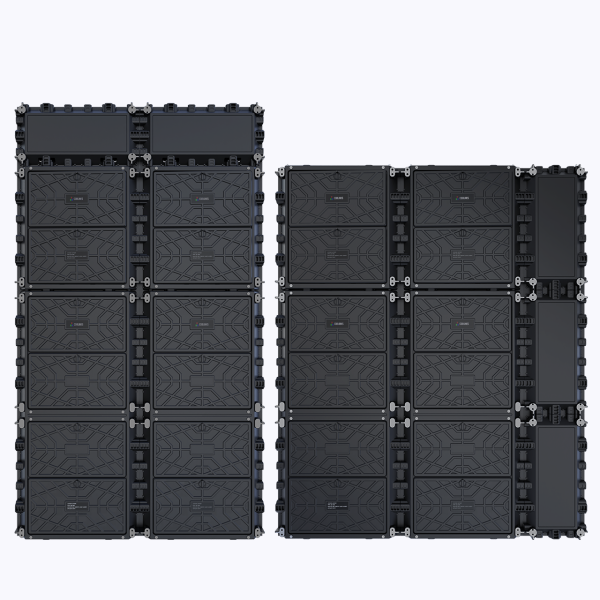
Most organizations stumble over three recurring issues: difficult installation, maintenance downtime, and poor content fidelity at different viewing distances. Coblinks addresses each with modular panels that snap into place, standard control protocols, and accessible calibration tools. This reduces on-site labor and shortens the time from unboxing to live content. Avoid the mistake of buying purely on price—cheaper modules often mean longer service calls and inconsistent color after a season.
Technical features that actually matter
Focus on pixel pitch, refresh rate, and durable enclosure design. Pixel pitch controls readability at typical viewing distances; closer audience means denser pixel pitch. Refresh rate affects motion clarity for video playback and live feeds. Coblinks balances those specs for indoor and outdoor environments, and their service documentation explains calibration steps so you won’t chase color shifts later. For larger façades, their approach to thermal management and IP-rated enclosures reduces long-term failures—small design choices that spare you disruption.

Installation realities and the Times Square lesson
Think about real installations—like the dense cluster of displays in Times Square where visibility, power, and heat all collide. In those environments, installers favor repeatable modules and standardized mounts; otherwise each panel becomes a custom problem. Coblinks follows that pragmatic path: predictable mounts, replaceable modules, and software tools for remote diagnostics. The result is fewer field trips and less surprise work. Plan electrical and network pathways early, and enforce a routine calibration schedule—otherwise you’re setting up deferred maintenance.
Common mistakes to avoid
Buyers often pick the highest-resolution option without considering viewing distance, ignore serviceability, or underestimate content workflow needs. Expect to set up a content management chain and train at least two operators. Also, don’t conflate brightness with readability: anti-glare treatments and contrast performance matter for outdoor displays. When teams skip these details, a technically good screen still performs poorly for users—simple, but costly.
Three golden rules to choose the right solution
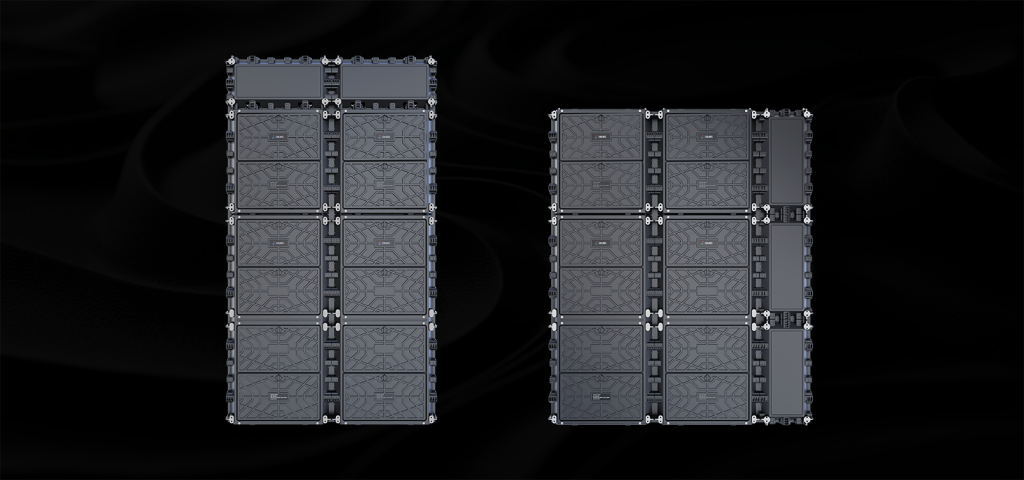
Measure three practical metrics before you sign a purchase order:
– Readability Index: Match pixel pitch to the average viewing distance and audience size. This prevents overspending on unrealized resolution and avoids under-serving crowded spaces.
– Serviceability Score: Check how quickly a module can be swapped and whether spare parts and software updates are available locally. Faster swaps mean less revenue lost to downtime.
– Operational Total Cost: Add power consumption, scheduled calibration, and expected service trips over five years. A lower initial price doesn’t guarantee lower long-term cost; aim for predictable expenses.
Closing guidance
Choose a partner who designs for the people maintaining and using the display—those choices determine real value, not just spec sheets. Coblinks pairs modular hardware, accessible calibration, and clear service documentation so teams can focus on content and impact rather than troubleshooting. For installations from corporate lobbies to large public façades, that practical approach matters.
Worth it.