Table of Contents
Problem Statement: what breaks when buying many screens
Purchasing displays at scale solves cost per unit, but it exposes hard technical failures: mismatched interfaces, inconsistent color across lots, and unclear thermal or longevity specs. Procurement teams ask multiple suppliers the same question and get different answers; each monitor manufacturer handles firmware, connectors, and panel bins differently, which creates integration drift on delivery. The real cost is time spent debugging compatibility, not just the invoice.

Key technical requirements to insist on
Specify electrical and mechanical interfaces before requesting quotes. Demand exact connector pinouts (eDP, LVDS, HDMI), supported resolutions and refresh rates at those interfaces, and the panel controller’s supported color formats (8-bit, 10-bit, HDR profiles). Require thermal dissipation numbers and mean time between failures (MTBF) for any backlight or LED array. Ask for measured luminance uniformity, delta-E color variance, and firmware update mechanism (USB, UART, or OTA). Skip vague terms; require numeric tolerances.
Testing and acceptance criteria
Create a short, repeatable acceptance test. At minimum: verify active pixels for 24 hours, run a color ramp and target delta-E ≤2 on calibrated units, validate timing and handshake across the target video pipeline, and stress at max brightness for two temperature cycles. Include a functional test for wake-on-signal and power sequencing—these are where large deployments fail. Require a clear failure-replacement SLA in the quote.

Experience, standards, and industry evidence
I’ve audited multi-panel video walls for industrial control centers and followed SID Display Week, the Society for Information Display’s annual conference in the U.S., where panel suppliers publish measured performance and roadmaps. That event makes vendor claims verifiable against published demos and technical papers; use those benchmarks to cross-check datasheets. Follow VESA and IEC test methods. For practical evaluation, run the supplier samples through your acceptance tests and compare against reference hardware—also validate how they handle firmware patches for the computer display.
Common procurement pitfalls
Buyers often accept “typical” luminance or “up to” refresh rates; those are not guarantees. Don’t assume binning will be consistent across production runs. Overlooking firmware update policy leads to units that work today and fail to integrate after a software rollback. Warranty windows tied to “consumer use” instead of “commercial deployment” cause surprises for long-run installations. Require sample runs and a production verification step before full release.
Alternatives and trade-offs
Choose higher-spec panels when color fidelity or longevity matters; choose commodity panels when cost and basic function matter. Consider modular displays with replaceable controllers if you expect field firmware changes. For ultra-low latency you’ll pay for faster interfaces and better controllers. If you need extreme warranty or long-term sourcing, lean toward tiered suppliers who can provide consistent panel sourcing and documented change controls. Evaluate total cost of ownership: replacement frequency, calibration costs, and the labor to maintain the array.
Vendor evaluation checklist
Ask for: complete electrical/mechanical drawings, firmware update procedure, color calibration data and reference profiles, production lot variance reports, thermal and MTBF numbers, and clear RMA process with lead times. Validate that they can supply spare assemblies and that the supply chain supports the expected order cadence. Confirm that documentation is versioned and that they maintain a changelog for component substitutions.
Common mistakes during integration
Don’t ignore timing mismatches between the host and display controller. Skipping a power-sequence test invites boot failures. Relying on the supplier’s default gamma without calibration produces inconsistent visuals across mixed lots. Overlooking mechanical tolerances causes alignment issues in tiled installations. Test the whole system, not just a single sample.
Final synthesis
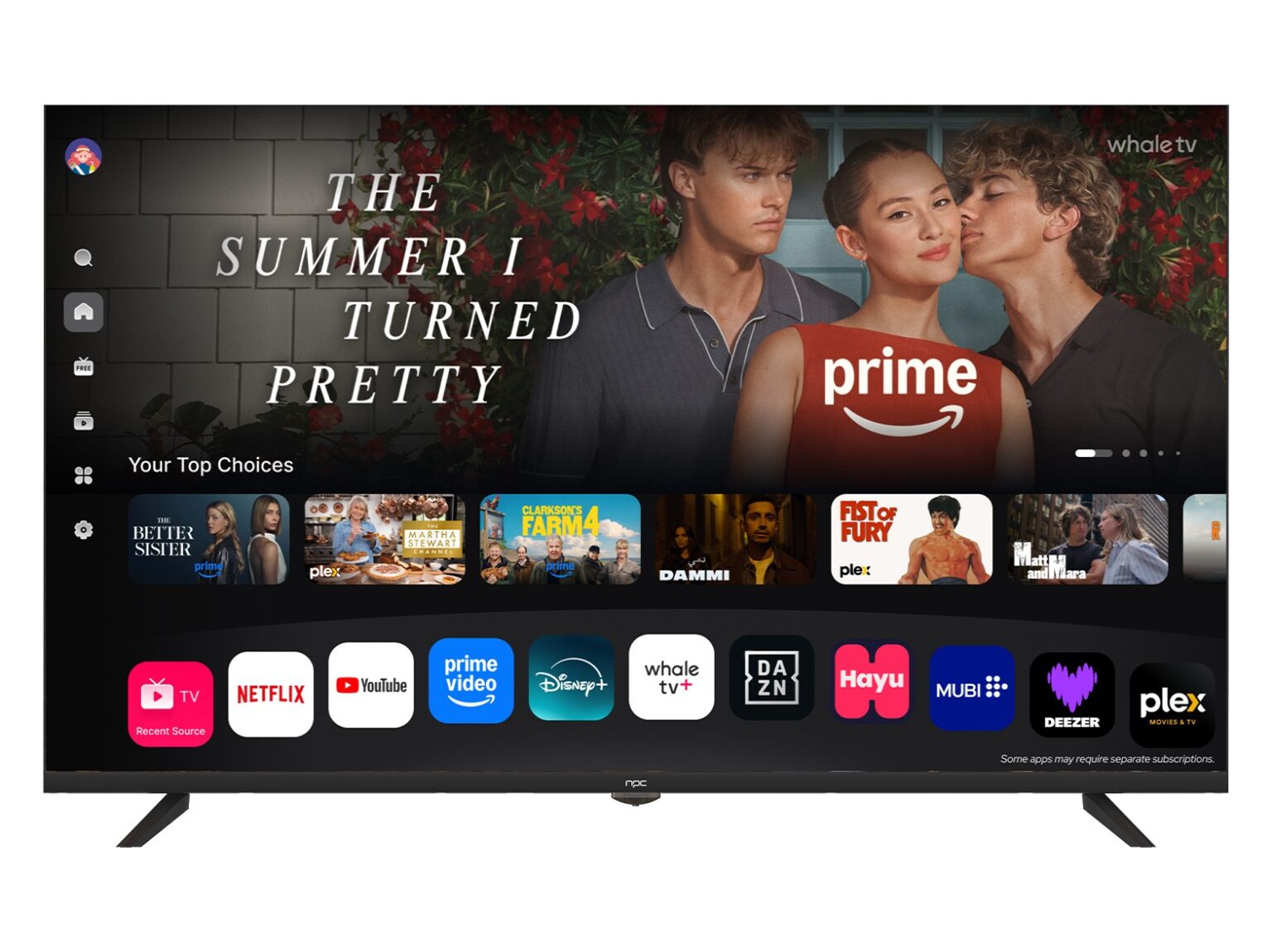
Buy wholesale displays with exact specs, repeatable acceptance tests, and firm guarantees on production consistency. Use industry benchmarks and events like SID Display Week to validate claims, require measurable tolerances, and enforce a clear RMA and firmware policy. That practical rigor reduces field failures and hidden costs—exactly the operational reliability npc provides through documented specs, consistent sourcing, and controlled change management.